 SPACE256
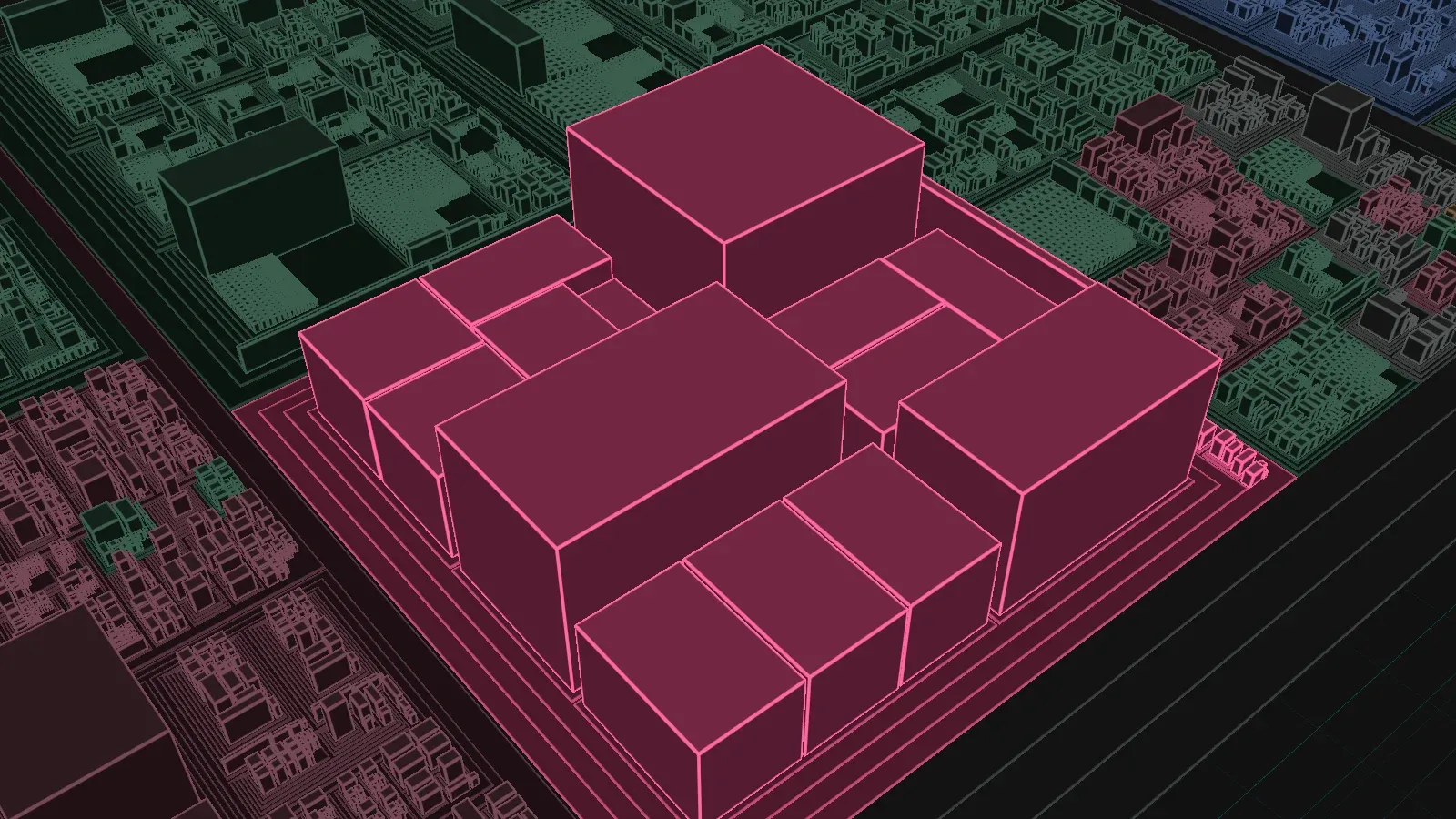
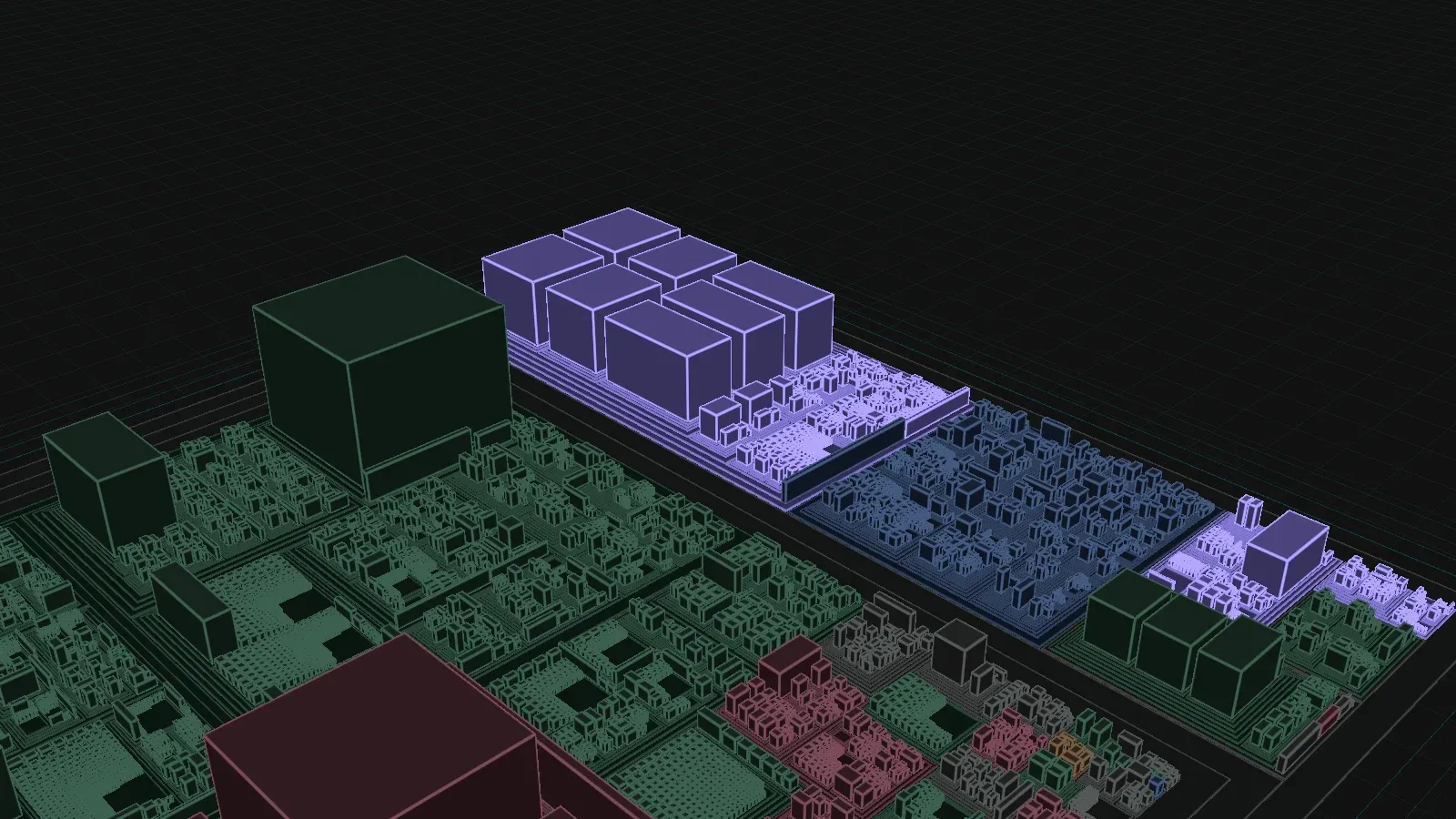
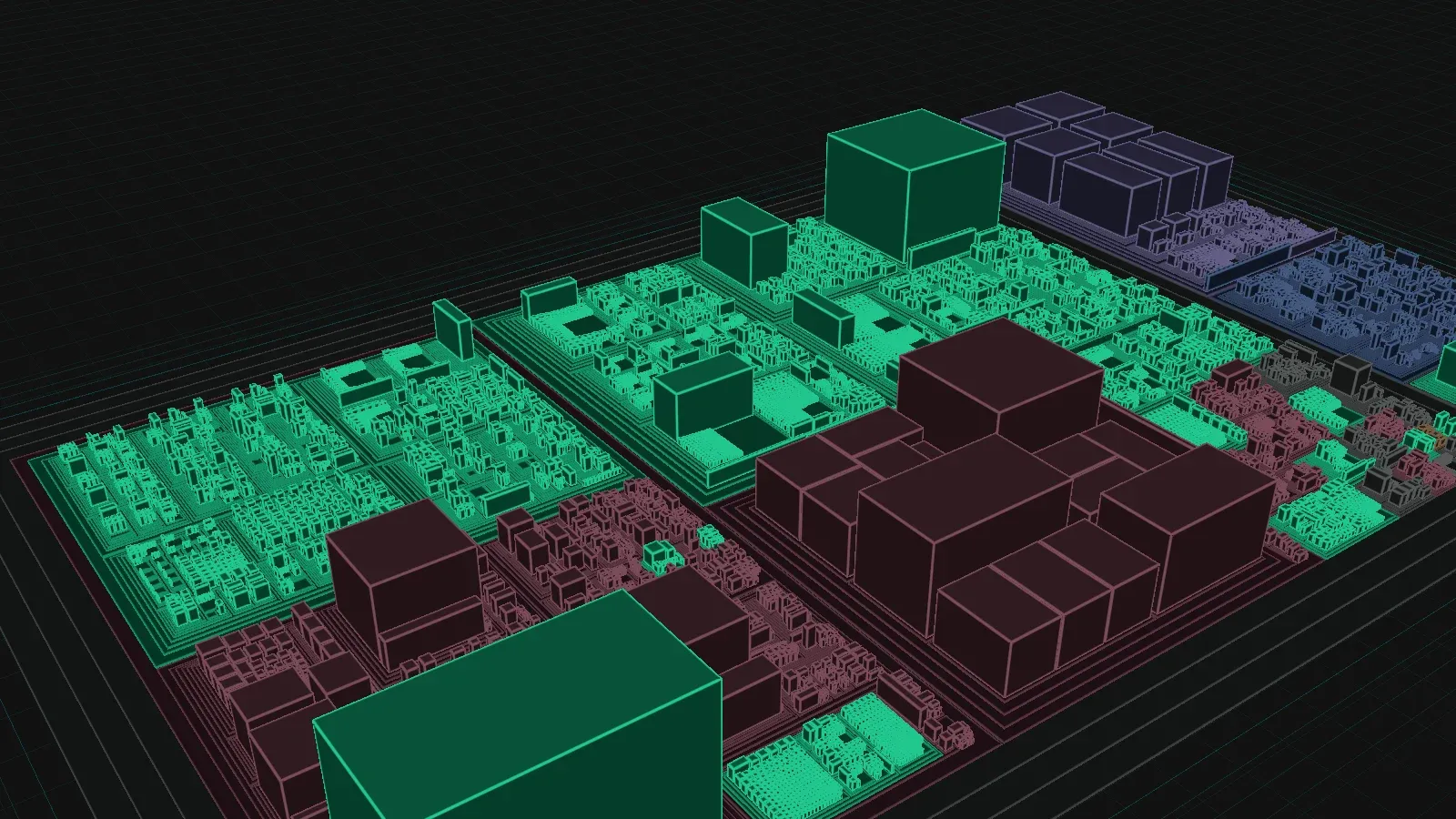
A developer’s Mac fills up differently from anyone else’s. Documents and photos are rarely the problem; build products, containers, dependencies and models are. On the Mac this site’s city comes from, developer data added up to 293.95 GB, of which up to 35.87 GB was safe to clean without losing anything that couldn’t be rebuilt.
Here is where to look, roughly in order of how much space each usually takes.
1. Local AI models
If you run models locally, start here. LM Studio and Ollama keep every model you download, and a single model can take tens of gigabytes. On the Mac above, LM Studio’s models alone took 108.25 GB, the largest single item SPACE256 found on that disk. Remove models you no longer run from the tool itself; see the guides for LM Studio models and Ollama models.
2. Xcode
Xcode spreads its data across several folders, each with a different risk:
- Low risk DerivedData: build data and indexes. Safe to clear; the next build is slower. Guide
- Review Device Support: debug symbols per device and OS version. Clear the versions you no longer debug on. Guide
- Review Simulators: each one holds apps and their data, which can’t be recreated. Remove them in Xcode’s Devices and Simulators window. Guide
- Protected Archives: the builds you shipped, with the symbols you need for crash reports. Keep them. Guide
On the Mac above, Xcode’s data came to 105.88 GB.
3. Docker Desktop
Docker keeps every image, container, volume and build cache in one virtual disk file, which was 37.99 GB here. Deleting images doesn’t shrink it right away, and deleting the file erases every container and volume. Use Docker’s own commands to see what’s inside and remove what nothing uses. Guide
docker system dfdocker system prune4. node_modules in old projects
Every JavaScript project carries its own copy of its dependencies. Projects you haven’t touched in months are the best candidates: the folder comes back with one install. Guide
5. Package manager caches
npm, Yarn, pnpm, pip and Homebrew all keep download caches that grow forever. They are the safest space on the list, because each tool can download its packages again, and each has its own command to clean its cache: npm, Yarn, Yarn Berry, pnpm, pip, Homebrew.
6. AI coding tools
Claude Code, Codex and Cursor keep sessions and history in your home folder, about 10.4 GB on the Mac above. That data can’t be recreated; trim it only through each tool’s own settings. Guide
A rule of thumb
Clear what rebuilds itself first: caches, build data, dependencies of inactive projects. Then decide, one by one, about what you downloaded: models, images, simulators. Leave alone what you made: archives, volumes with data, tool history. That is the order SPACE256 follows. Everything it clears goes through Review first: files move to the Trash so you can put them back, and caches are cleaned only by their own tool.