 SPACE256
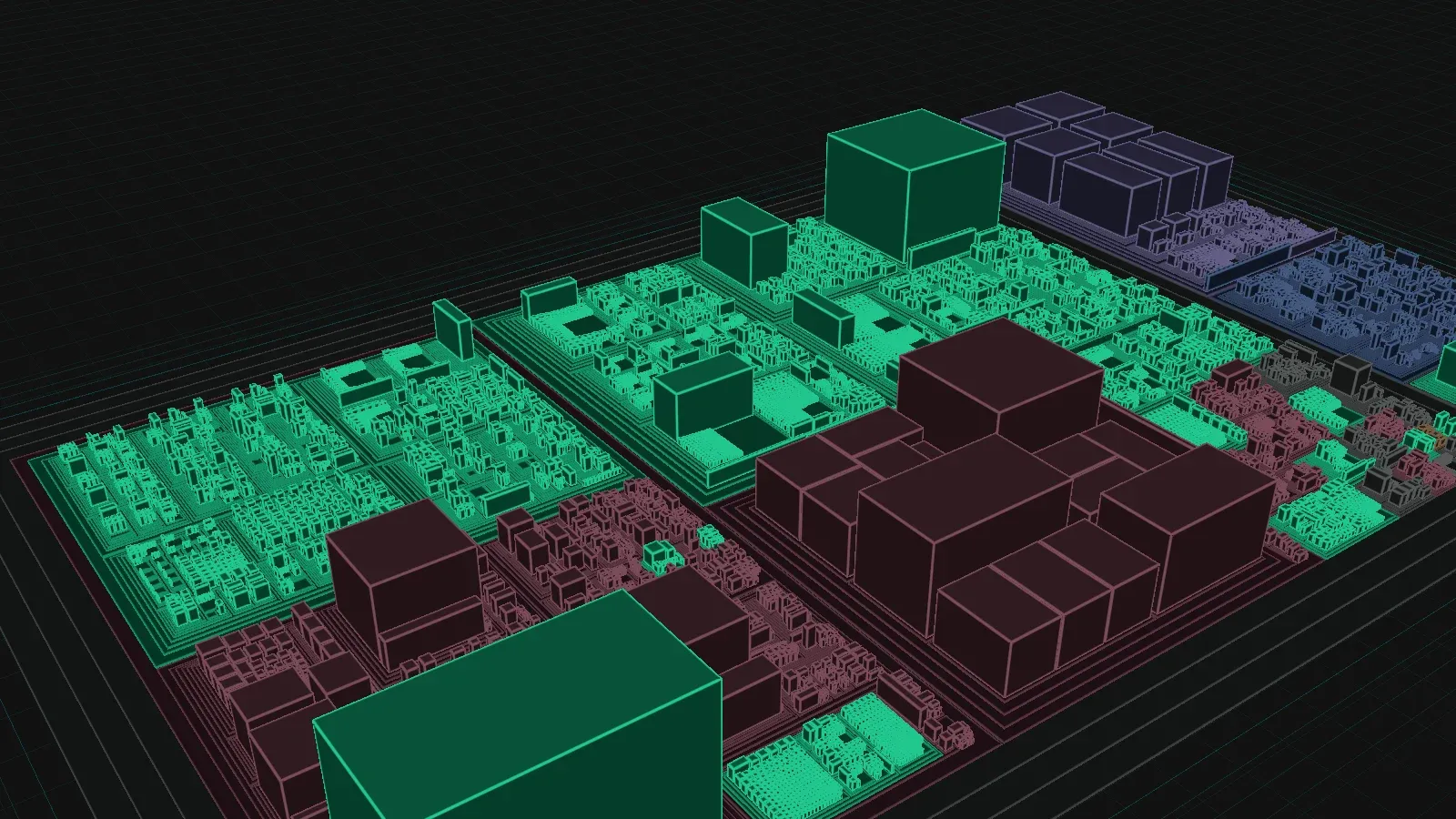
Running models on your own Mac is now easy: LM Studio and Ollama download a model in a click or a command. They are also the fastest way to fill a disk. On the Mac this site’s city comes from, the largest single item SPACE256 found was LM Studio’s model folder, .lmstudio, at 113.1 GB.
Why models are so large
A model is mostly its weights: billions of numbers. How much space it takes depends on two things, the number of parameters and the precision each one is stored at (its quantization).
A rough way to estimate it before you download:
- At 16-bit precision, a model takes about 2 bytes per parameter: a 7-billion-parameter model is around 14 GB.
- At 8-bit, about 1 byte per parameter: around 7 GB for the same model.
- At 4-bit, the most common choice on a laptop, a little over half a byte per parameter: around 4 to 5 GB for 7 billion parameters, and roughly 40 GB for 70 billion.
The download page of a model usually lists each quantization’s file size; the estimate is for planning before you get there.
Why the folder keeps growing
Trying a model is cheap in time, so people try many. A few habits add up quickly:
- Downloading several quantizations of the same model to compare them.
- Keeping older versions after a newer release replaces them.
- Having both LM Studio and Ollama, each with its own copy of the same model.
Neither tool removes models on its own.
Keeping only what you use
- LM Studio: remove models from its My Models view, which deletes their files. Guide
- Ollama: list your models, then remove one by name. Models that share a base share files, so removing one may free less than its listed size. Guide
ollama listollama rm <name>A model can usually be downloaded again, but it is a large download, and publishers do sometimes remove a model or a quantization. Keep the ones that would be hard to find again.
Where SPACE256 fits
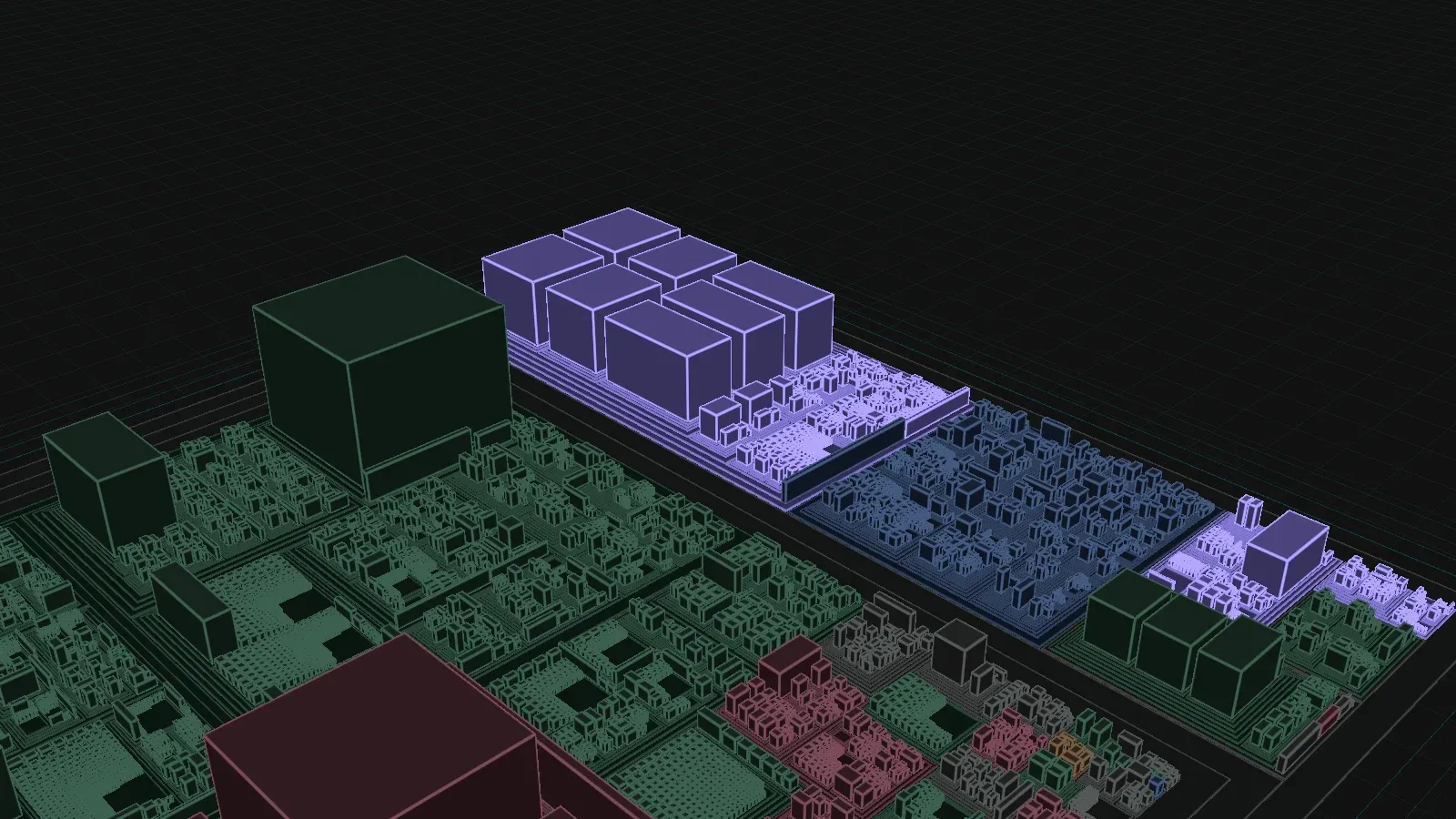
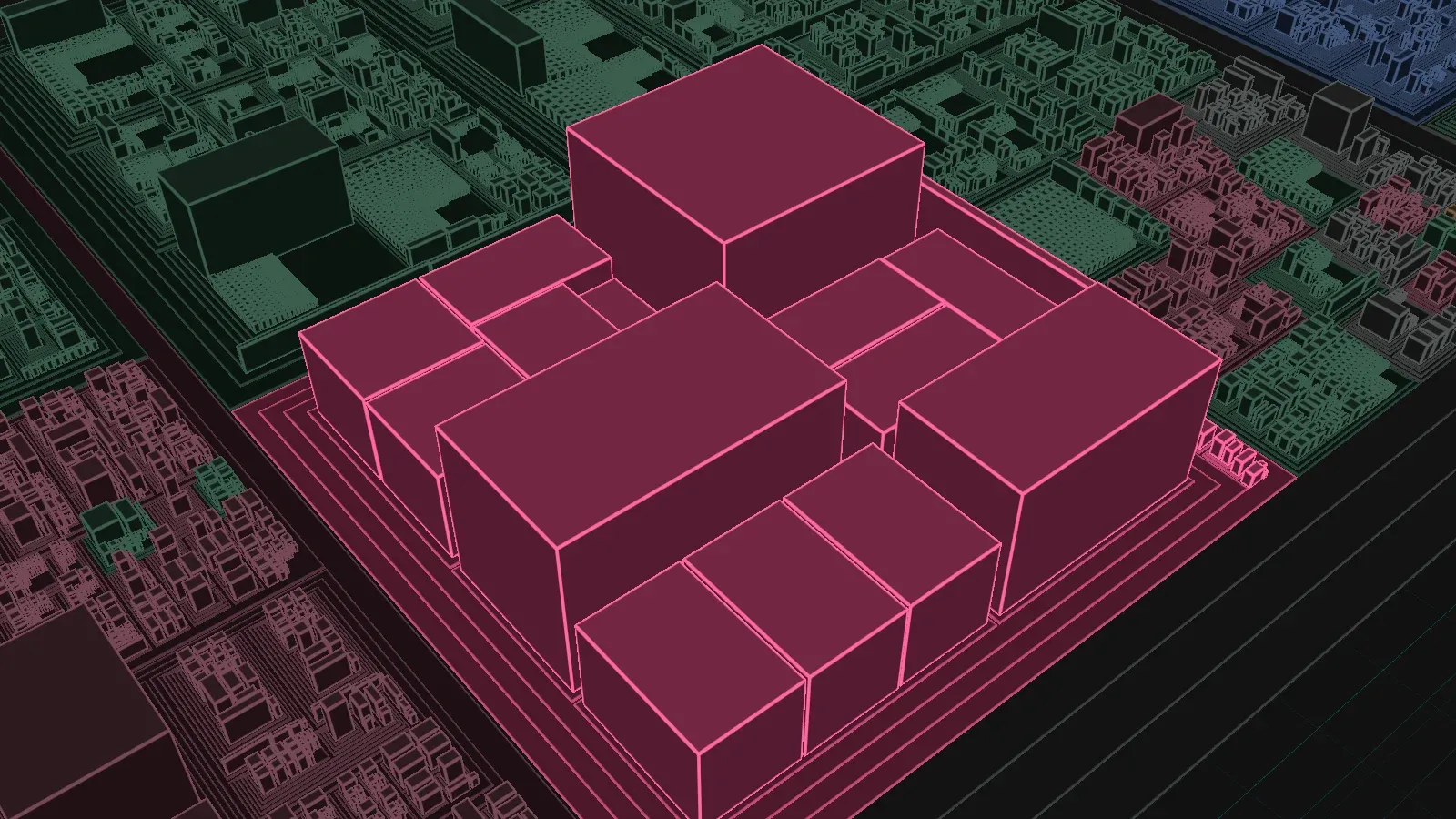
SPACE256 shows each model folder and its size on the map, so the biggest ones are obvious at a glance. It doesn’t delete models itself: which ones you still need is your decision, and removing them through LM Studio or Ollama keeps each tool’s library consistent.